Stop losing keys. Stop losing hours.
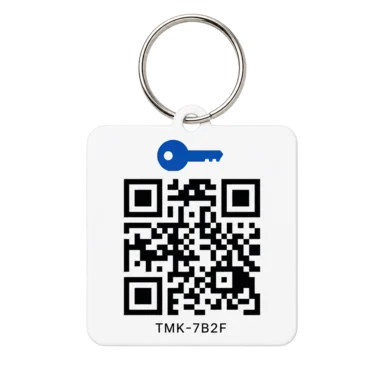
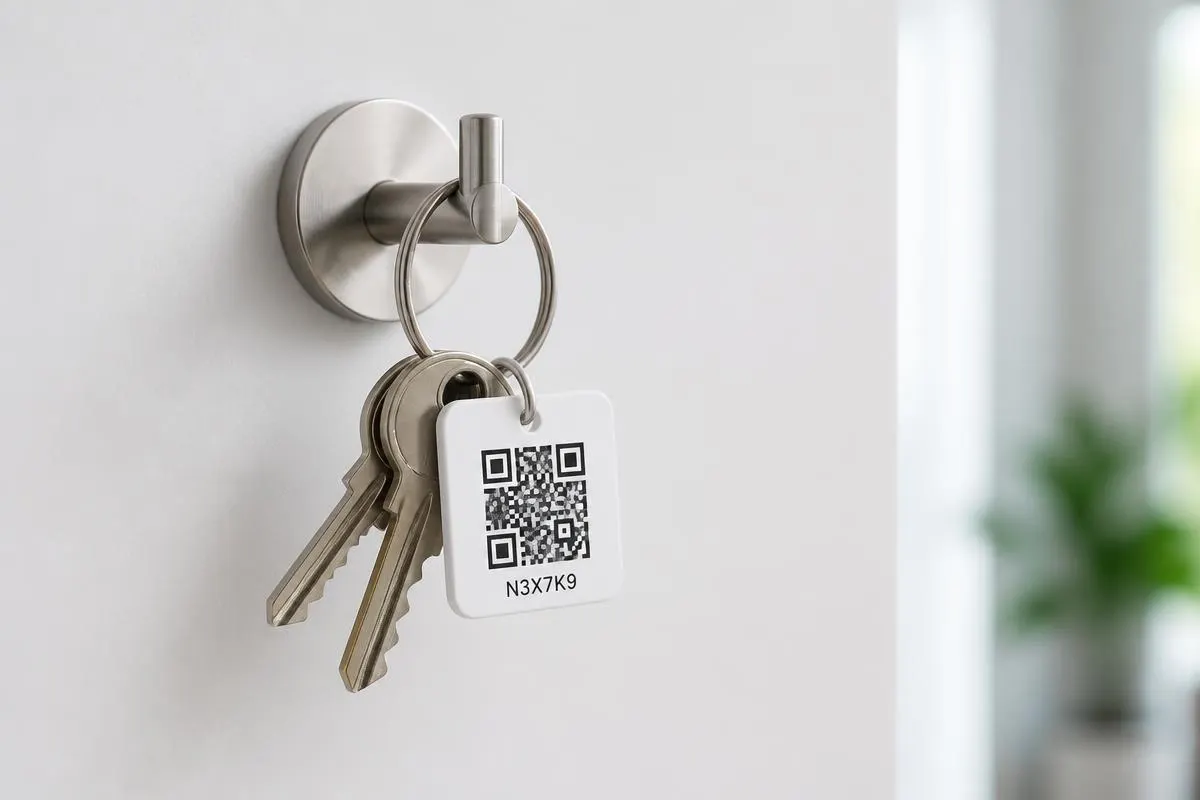
Print a QR tag for every keyring. Your team checks keys in and out on the phone in their pocket — live accountability without expensive key cabinets, RFID fobs, or a shared spreadsheet.
- 14-day free trial
- No credit card
- Cancel anytime
- No special hardware
- Mjust nowMaria checked out12 Oak St · Set 2 of 5
- J12mJonas returnedSunset Apt 4B · Set 1 of 2
- A1hAly checked outRiver Lodge · Set 3 of 4
- T3hTom overduePine Cottage · Set 1 of 1
Whiteboard. Group chat. "Who's got the Jubilee Road keys?"
- · Spreadsheet last updated… Tuesday? Maybe Wednesday.
- · A set goes missing. Re-key bill. Angry client.
- · Nobody knows who had it last.
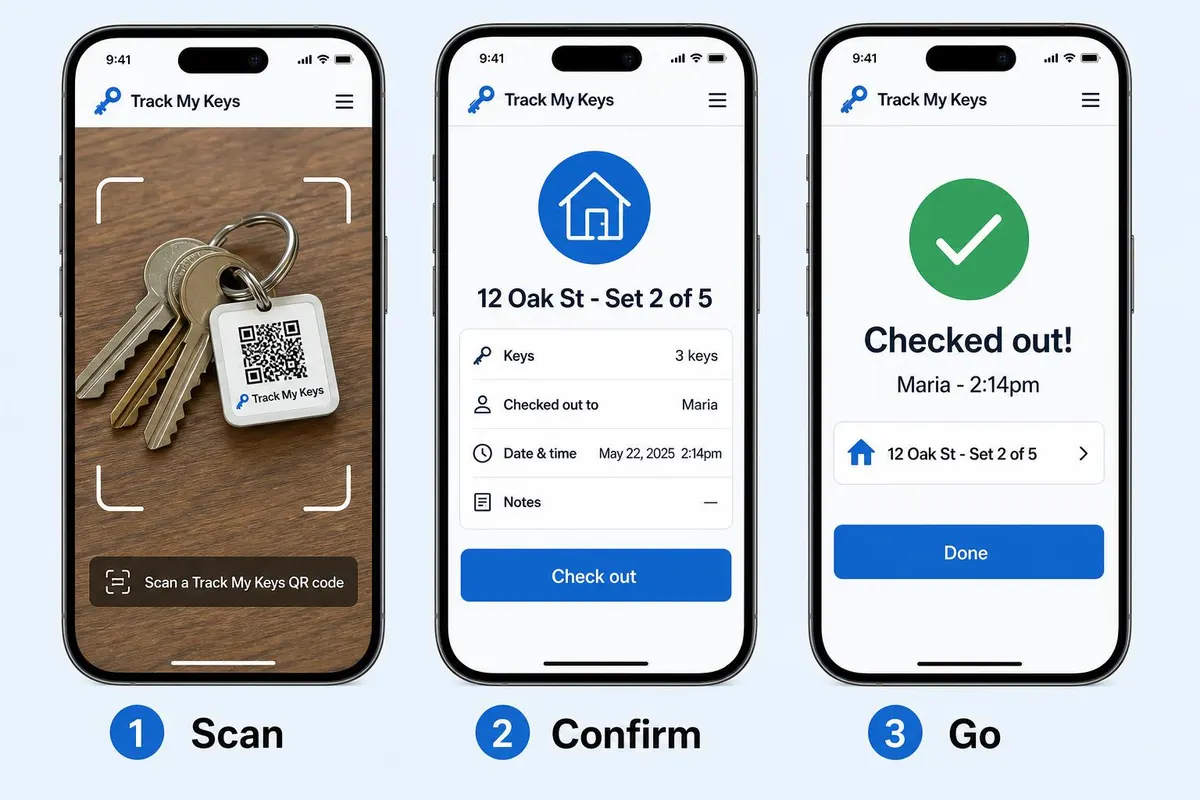
Scan. Confirm. Go.
- · Live audit trail — who, what, when, every time.
- · Automatic timestamps. Overdue flags on the dashboard.
- · Every set accounted for, across every property.
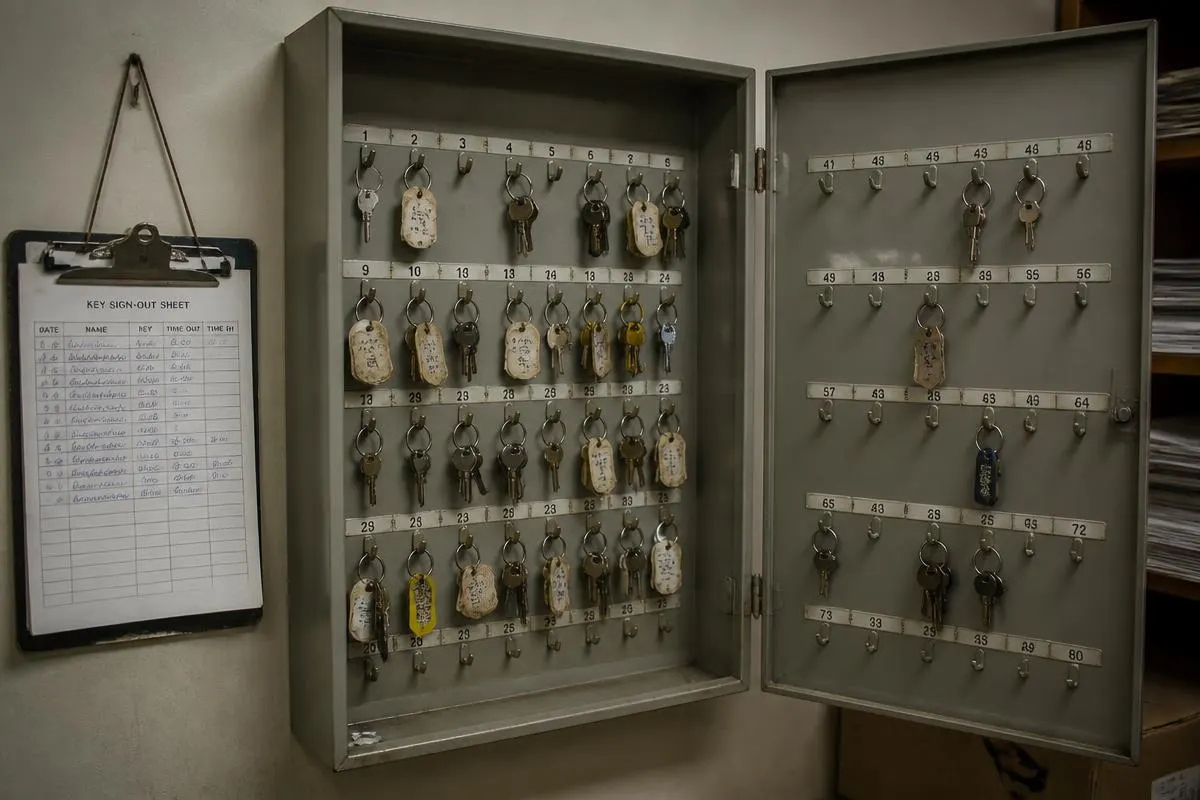
Skip the expensive key cabinet.
Electronic cabinets and RFID systems can cost thousands upfront — plus hardware at every site. Track My Keys gives property teams the accountability they need with printed QR tags and phones they already carry.
Spreadsheets & chat
- Looks free — until nobody updates it
- No live “who has it?” answer
- Re-keys and lost hours when a set goes missing
Electronic cabinets & RFID
- Typically thousands in hardware upfront
- Readers, fobs, and cabinets per location
- Great if you need locked custody — overkill for many field teams
Track My Keys
- From $27/mo — whole team, no per-seat fees
- Print QR tags; scan with any phone
- Live audit trail, handoffs, and overdue flags
Need keys locked in a bolted cabinet? Hardware still wins. Need to know who has which keys right now — without that spend? That’s Track My Keys.
From shoebox to scanned in three steps.
Set up your properties once, print inexpensive QR tags (paper or laminate — no fobs or readers), and your team checks keys in and out from any phone.
- 01
Add your properties
Enter each client and address, optional access notes, and how many physical key sets exist.
- 02
Print the QR tags
Track My Keys generates a unique QR for every key set. Print the A4 sheet and attach a tag to each ring — or keep the codes private and have an admin scan on staff's behalf.
- 03
Scan to check in/out
Staff open their phone, scan a tag to check the set out, and scan again to return it. Every move is timestamped.
If keys leave the office, Track My Keys helps.
Built for teams who can't afford to lose a key — or the time spent looking for one.
- Cleaning companies
- Property managers
- Locksmiths
- Real estate agencies
- Maintenance crews
- Short-term rental hosts
Everything you need. Nothing you don't.
Plus shift handoffs, office return points, key reservations, and a UI in nine languages — including Spanish and Filipino for field crews.
QR-coded key sets
Every set gets a unique QR. Print, attach, scan to check out. Scan a property code to manage all its sets at once.
Full audit history
Every check-in, check-out, transfer, and staff change logged — searchable when you need proof.
Overdue on the dashboard
Set your own hour threshold. Late returns get flagged on the live dashboard so you can chase them down.
Shift handoffs
Pass custody mid-day without returning to the office — remote transfer with scan-to-accept, or in-person takeover.
Return points
Require check-in at the office or cabinet. Keys can’t quietly disappear in someone’s bag.
Team roles & private QRs
Staff never see QR codes in-app. Admins invite the team and control who can check keys out or back in.
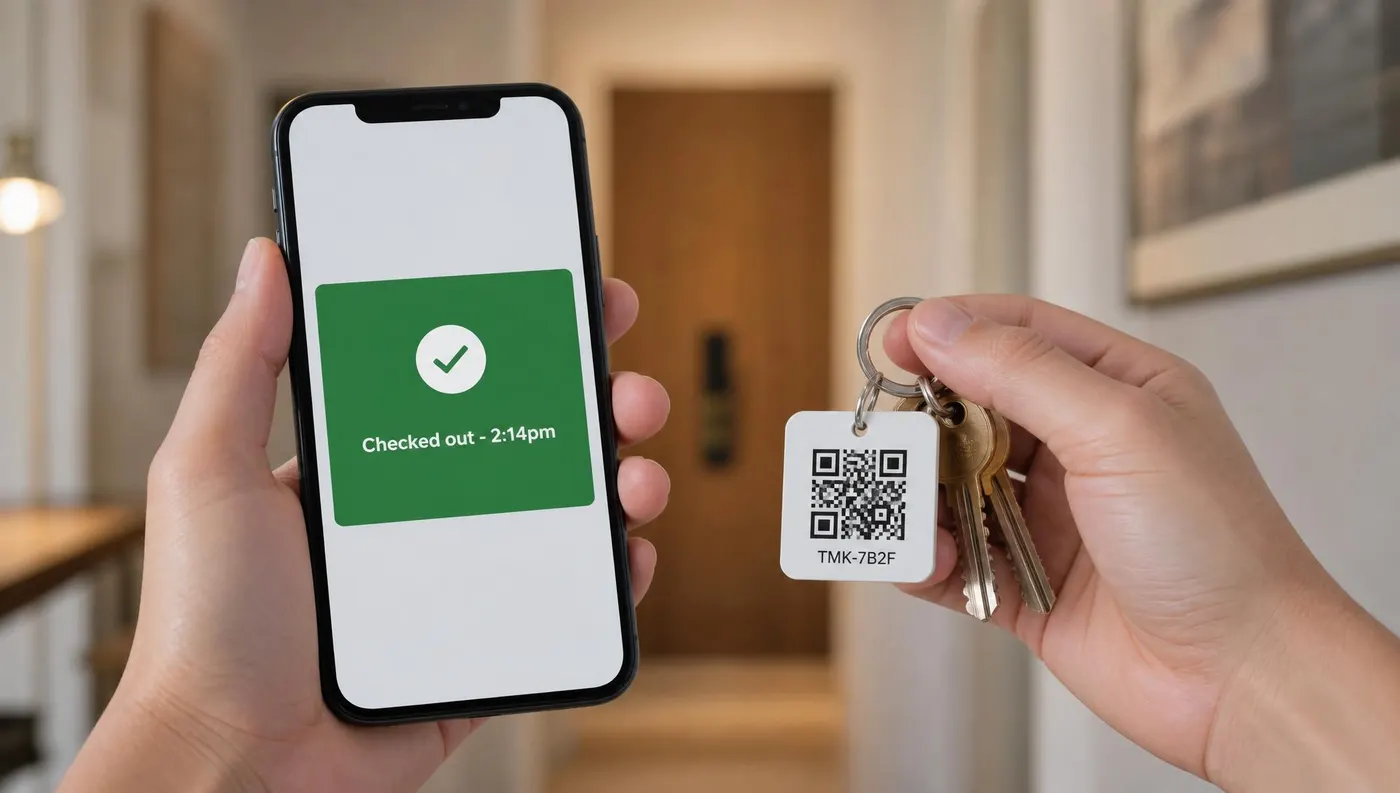
Built for the van, the doorstep, and the key cabinet.
Installs to the home screen in 10 seconds — no App Store, no approvals, no tablet at reception. Track My Keys runs on the phone your staff already carry. If they can open the camera, they can use Track My Keys.
Generous limits. Honest pricing. Built to help you grow.
We built Track My Keys to be the tool we wish existed: priced for real small businesses, with headroom you won't outgrow next quarter.
Three plans, whole team included
Start at $27/mo with everything you need for a small team. Most key-tracking tools charge per seat — we never do.
Room to scale, not to gouge
Pro covers 200 properties and 1,000 key sets. Outgrow it? Business and Corporate take you up to 1,200 properties and 10,000 key sets — one click to upgrade.
Hire freely — no per-seat fees
Up to 40 team members on Pro, 120 on Business, 360 on Corporate. Everyone sees the same source of truth.
From $27/mo. No per-user fees. Cancel anytime.
Pro, Business, and Corporate — pick the tier that fits, upgrade or downgrade whenever you like.
Real feedback from property managers, cleaners, hosts and office teams using Track My Keys every day.
“We used to lose an hour every morning tracking down key sets between cleaners and maintenance. Now the crew just scans the tag on the way out and I can see the whole board from my phone. It has genuinely paid for itself in the first month.”
“Portuguese localization is excellent and the app runs fine on the older phones some of my staff use. Not every tool bothers with that and it makes a real difference on the ground.”
“Being able to see overdue key sets in red on the dashboard is such a small thing but it changed how we run the day. Nothing sits out overnight anymore because someone is always chasing it before the shift ends.”
Common questions
Does it really work on any phone?
Yes — Track My Keys runs in the browser on any modern iPhone or Android. No app store download, no special hardware, no tablet at reception.
Do I need a credit card to start?
No. The 14-day trial is full-featured and doesn't ask for a card. Add billing only when you're ready.
What if I outgrow the included limits?
Email us. We'd rather build a plan that fits your business than watch you bump into caps. The included limits cover the vast majority of small-to-mid teams, with plenty of headroom.
Do I need a key cabinet or special hardware?
No. Printed QR tags and the phones your team already carries are enough. Electronic cabinets still make sense if you need keys physically locked in hardware — Track My Keys is for knowing who has which set, right now, without that purchase.
How much do the QR tags cost?
You print them yourself from Track My Keys — paper, sticker labels, or laminate. No proprietary fobs or readers to buy.
Can staff pass keys between shifts without coming back?
Yes. Transfer custody to a teammate remotely (they accept by scanning the tag), or do an in-person takeover with a scan. You can also reserve a set for a named person so the wrong cleaner doesn’t grab the only spare.
Can I require keys to be returned at the office?
Yes. Set return points so check-in only works near the office or cabinet location you choose — keys can’t quietly stay in someone’s bag.
Does the app work in other languages?
Yes. The product UI is available in English, Spanish, Filipino, French, German, Italian, Portuguese (Brazil), Russian, and Hebrew — helpful when field crews prefer their own language.
Ready to retire the key spreadsheet?
Create your business in under a minute. Add your first property, print your first QR tag, and you're live — all on your phone.
No credit card · Cancel anytime